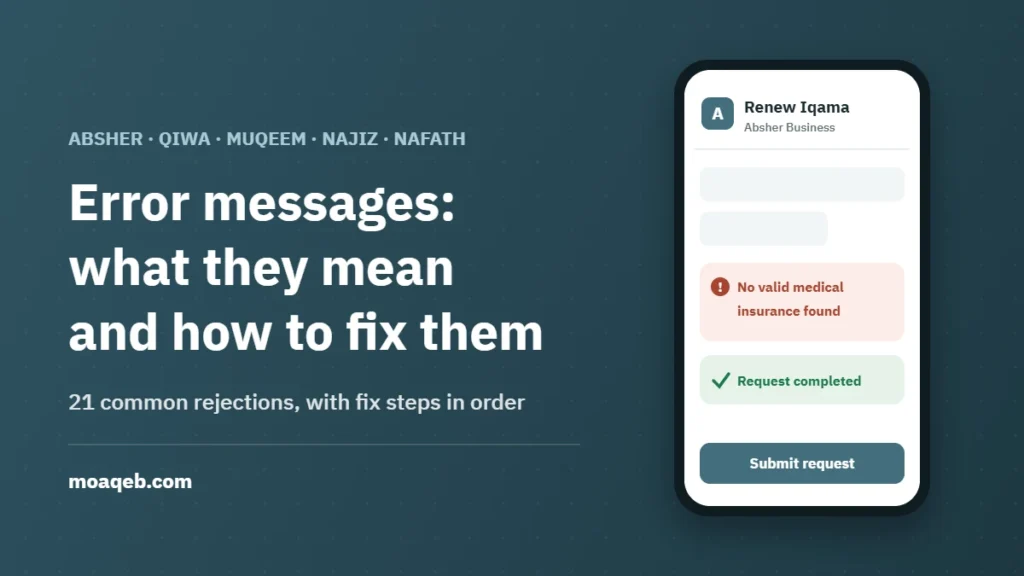
Got a message that blocks your Iqama renewal, an exit/re-entry visa or a worker transfer? Type part of it into the finder below. You’ll see what it means, why it appeared, the steps to fix it in order, and where the fix happens.
Find your messageThe short version
- A rejection message usually names the missing requirement. Don’t resubmit until it’s fixed; you’ll get the same rejection.
- Many services depend on each other: traffic fines, passport, insurance and the work permit come before Iqama renewal, and a valid Iqama comes before visas.
- After paying or updating something, wait until it shows in the inquiry service before retrying. Systems don’t always sync instantly.
- Know who can fix it: some messages are fixed by the worker, some by the employer, and some by a third party such as the insurer or the court.
Find your message
The exact wording varies between platforms and app versions, and some platforms show Arabic only. Type one distinctive word such as “insurance”, “red zone” or “fingerprint”, or pick the service you were using. Tick each step as you finish it; your browser remembers your progress.
Why one transaction blocks another
This map shows the order of requirements. Click a requirement to see what it blocks, or click a transaction to see what it needs first.
Prerequisites
Core document
What you want to do
Four rules before you try again
Read the message word for word
Take a screenshot or copy the text. The key word is usually the name of the requirement: “insurance”, “passport”, “Nitaqat”. That word tells you who can fix it.
Fix it at the source
Insurance is fixed with the insurer, Nitaqat in Qiwa, a service suspension in Najiz. Resubmitting in Absher doesn’t change another agency’s data.
Check the result before retrying
After paying or updating, open the relevant inquiry. If the change isn’t showing yet, retrying will give you the same message.
Know who holds the permission
For private-sector workers, the employer runs most transactions from Absher Business, Muqeem or Qiwa. The worker can follow up but can’t submit them from a personal account.
Who fixes what
Calling an agency that can’t fix your problem costs you a day. This table points you to the right one.
| Problem type | Agency or platform | Contact |
|---|---|---|
| Visas, Iqama, passport, fingerprint | General Directorate of Passports (Jawazat) via Absher | 992 |
| Absher account and mobile number | Absher | 920020405 |
| Work permits, transfers, Nitaqat, contracts | Ministry of Human Resources via Qiwa | 19911 |
| Service suspension, enforcement, POAs | Ministry of Justice via Najiz | 1950 |
| Insurance not showing | Your insurer, then the Council of Health Insurance | Your insurer’s number |
| Traffic fines and objections | Traffic Department via Absher | 993 |
Frequently asked questions
I paid, so why does the message still appear?
The link between your bank, SADAD and the government agency can take from minutes to a few hours. Check the inquiry in Absher before retrying, and make sure you paid under the right ID (the worker’s own Iqama number or the family head’s, depending on the service). If a full working day passes and the payment still isn’t showing, contact the agency with your payment receipt.
Can a worker fix these messages from a personal account?
Some of them. A worker can pay their own traffic fines, update their mobile number and fix Nafath issues. Iqama renewal, work permit renewal and the worker’s visas are submitted from the employer’s account in Absher Business, Muqeem or Qiwa.
My message isn’t in the list. What should I do?
Search for one distinctive word instead of the whole sentence. If it still isn’t there, copy the exact text and send it through the platform’s official channel: in Absher, use “Messages and Requests” and choose the General Directorate of Passports; in Qiwa, open a support ticket from the establishment account.
Should I keep resubmitting until it goes through?
No. An automatic rejection repeats as long as the requirement is missing. Repeated transfer or visa requests can also leave pending requests that block your next one. Fix the cause, then submit once.
Do these rules change?
Yes. Platforms update their conditions and timeframes. This guide is based on the official service guides as reviewed in October 2026. When in doubt, the requirement shown on the service screen itself is the reference.
Followed the steps and still stuck?
Send us a screenshot of the message and the transaction type. We’ll identify the cause and the right agency, and guide you through the fix online. You keep control of your login and payments.
Official sources
- National Unified Portal: Iqama renewal service
- National Unified Portal: issuing an exit/re-entry visa
- Absher: frequently asked questions
- National Unified Portal: issuing and renewing work permits
- Ministry of Human Resources: transfer of services (freedom of movement)
- Council of Health Insurance: insurance inquiry
- Najiz: enforcement services
- Nafath national single sign-on
This guide is general information to help you understand common messages. It doesn’t replace the official agency’s conditions. Fees and timeframes can change, and the requirement shown on the service screen is the reference. Moaqeb is an independent e-services office, not a government agency.